Customer account reminders
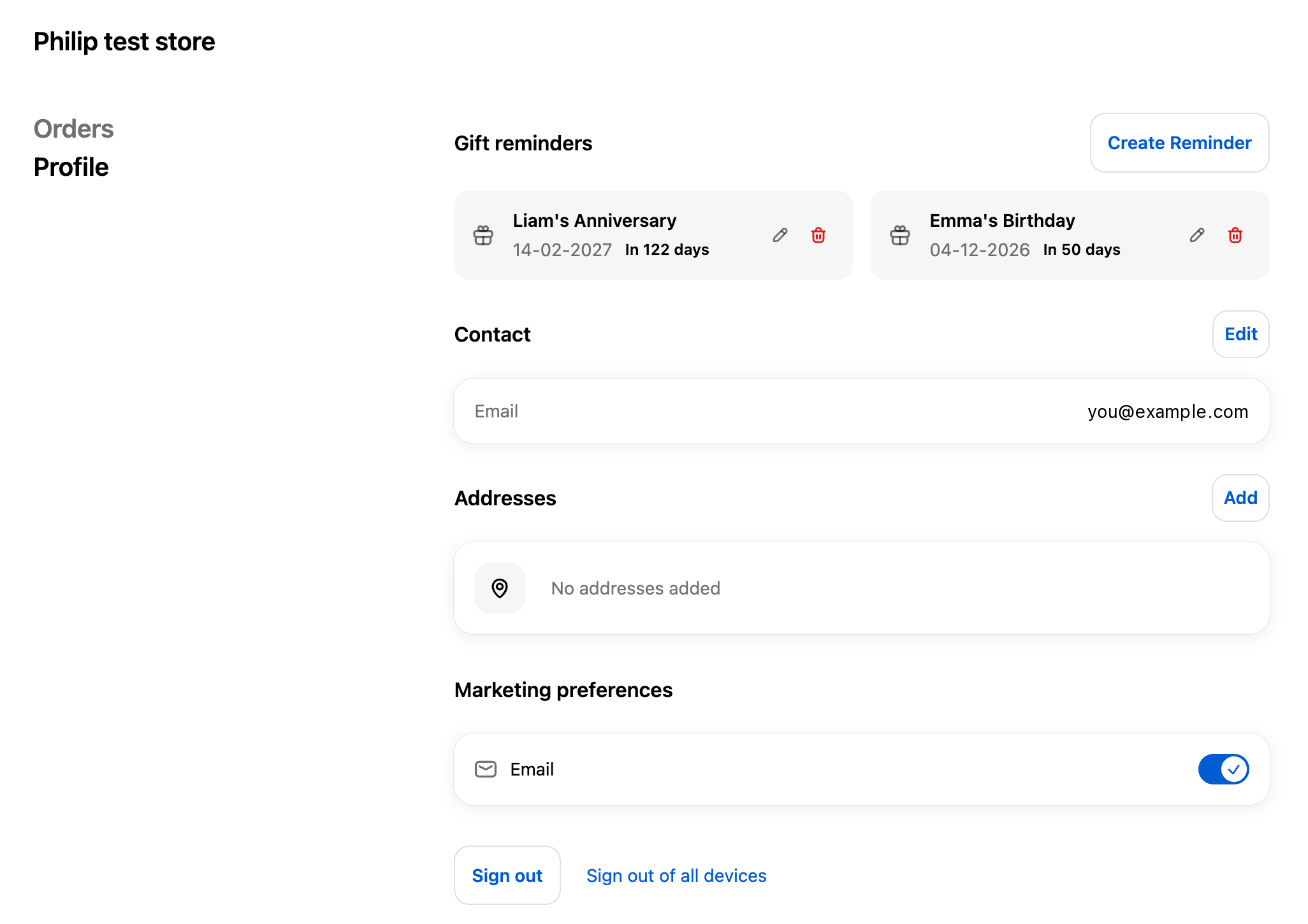
Give logged-in shoppers a Gift reminders section on their profile page, where they can add, edit and delete their own reminders.
This needs Shopify’s new customer accounts. If your store still uses classic (legacy) accounts, switch in Settings → Customer accounts first.
Add the block to the profile page
- Open the editorIn Shopify admin, go to Settings → Checkout (or Customer accounts) and click Customize.
- Open the Profile pageChoose the customer account Profile page from the page selector.
- Add the Gift Owlerts blockClick Add app block and choose Gift Owlerts.
- SaveClick Save, then log in to a test customer account to check it.
What shoppers can do
- See their reminders, shown as cards like “Sarah’s Birthday” with the date and a badge such as In 12 days or Today.
- Create a reminder with Create Reminder: who it’s for, relationship, occasion, interests, date and the opt-in box, then Remind Me.
- Edit a reminder with the edit icon.
- Delete a reminder with the delete icon, then confirm in Delete this reminder?. To skip a reminder for now instead, pause it.
Reminders created here use the shopper’s account email, so there’s no email field to fill in.
Occasions saved on the gift form before checkout show up here after the shopper has placed their order with the same email.